The Evolution of Agency in Google Workspace
The transition from generative AI that simply answers questions to agentic AI that performs tasks is the defining shift of the current technology landscape. While chatbots have spent the last two years summarizing documents and drafting emails, the next generation of digital assistants is being designed to operate independently across professional ecosystems. At the heart of this transformation is the Google Workspace CLI (command-line interface), a powerful tool that serves as a bridge between high-level AI models and the vast data silos of Gmail, Docs, Sheets, and Drive.
Historically, building an automated system to interact with Google Workspace required navigating complex API documentation, managing intricate OAuth2 flows, and writing extensive boilerplate code. The new Workspace CLI, often referred to by its command name gws, changes the paradigm by providing a unified, human-readable, and machine-operable control plane. This isn’t just a utility for developers; it is a specialized interface designed for AI agents to inhabit and control.
The Technical Foundation: Rust, NPM, and Zero Boilerplate
The Google Workspace CLI is built with Rust, a language known for its safety and performance, ensuring that agentic operations are fast and reliable even when processing massive data sets. Distribution via npm makes the tool accessible to the global developer community, allowing for instant installation with a single command. However, its most significant technical feat is the “Zero Boilerplate” approach.
Traditional integrations require developers to define every interaction point. In contrast, the Workspace CLI is dynamically built from the Google Discovery Service, meaning it has native awareness of every endpoint across the Workspace suite. For an AI agent, this means it no longer needs to be “trained” on how to call a specific API; it simply interacts with the CLI to discover capabilities and execute them using structured JSON output. This machine-friendly format is critical for agents that need to parse results and decide on subsequent actions without human intervention.
Google’s strategy mirrors its other efforts to streamline the developer experience, such as when Google revolutionized developer docs with AI agents to help programmers find solutions faster.
40+ Agent Skills: Out-of-the-Box Intelligence
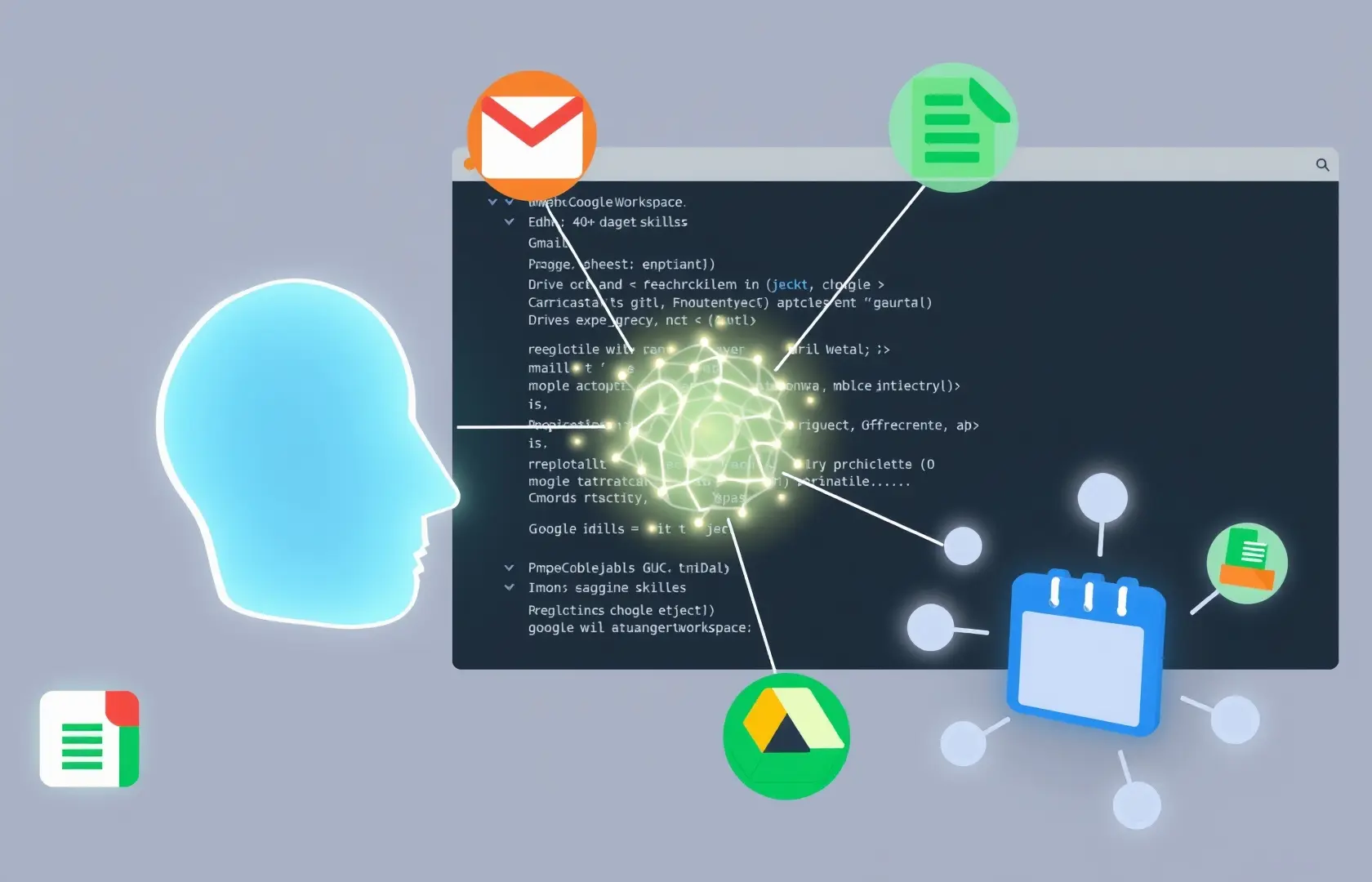
One of the standout features of the Workspace CLI is the inclusion of over 40 pre-defined agent skills. These are not just basic API calls; they are high-level abstractions of common workplace workflows. Instead of an agent needing to “find the file ID, open the file, find the row, and then update the cell,” it can use a single skill to “Update Project Tracker.”
Deep Integration Across Gmail and Docs
For Gmail, the CLI allows agents to search threads, draft responses, and manage labels with the same precision as a human assistant. When combined with Google Docs, agents can create reports by synthesizing information from multiple email threads, effectively acting as a digital secretary that never sleeps. The CLI enables these agents to read document content, apply formatting, and manage sharing permissions through a common interface.
Data Mastery in Google Sheets
Google Sheets has long been the engine of business data. Through the CLI, AI agents can treat spreadsheets as living databases. They can autonomously append logs, perform complex lookups, and even trigger calculations. This capability is vital for industries like finance and logistics, where real-time data entry is essential. This advancement aligns with broader industry trends, such as how Cognizant and Google Cloud are scaling enterprise agentic AI to solve complex operational challenges.
The Control Plane for AI Workforces
The command line is rapidly becoming the preferred environment for AI systems because it offers a structured, predictable way to interact with software. By providing a CLI for Workspace, Google is positioning its ecosystem as the primary “operating system” for AI employees. Developers are already using these tools to build “browser-wielding” agents that can handle their own setup, manage their own authentication, and even troubleshoot their own permission errors.
This level of autonomy is supported by the Model Context Protocol (MCP), which allows agents to maintain a consistent understanding of their environment as they move between different tasks. Whether an agent is scheduling a meeting in Google Calendar or checking a status update in Google Chat, the CLI provides a consistent logic layer that reduces the risk of hallucinations and errors.
Strategic Impact: Google vs. The Field
The release of the Workspace CLI is a direct volley in the ongoing competition between Google, Microsoft, and OpenAI. While Microsoft has focused heavily on its Copilot branding, Google is building the underlying infrastructure that allows any AI model—not just its own Gemini—to interact with professional data. By making the CLI open and accessible, Google is encouraging a “Bring Your Own Model” (BYOM) approach, where a developer could use an OpenAI or Anthropic model to control Google Workspace via the CLI.
This move is part of a broader vision for the agentic workplace. In this future, human workers don’t spend their time copy-pasting data between apps. Instead, they manage swarms of agents that use the Workspace CLI to synchronize information, generate insights, and execute multi-step projects across the cloud.
Practical Use Cases for the Modern Enterprise
- Automated Research Briefs: An agent can search Gmail for specific topics, find relevant PDFs in Drive, summarize the findings in a Doc, and then email the brief to a team—all triggered by a single CLI command.
- Self-Correcting Project Trackers: Agents can monitor Calendar invites and automatically update Sheets with attendee statuses or meeting outcomes, ensuring project management data is always current.
- Intelligent Admin Operations: IT departments can use agents to audit Drive permissions or manage user access across the organization using the CLI’s administrative skills, reducing the burden on human sysadmins.
The Path Forward for Developers
For developers, the Google Workspace CLI represents a massive reduction in technical debt. The ability to invoke structured JSON results means that the output of one command can be directly piped into the input of another, creating a seamless chain of autonomous actions. As the library of agent skills continues to grow, the barrier to entry for building complex, reliable AI automation will continue to fall.
The Google Workspace CLI is more than just a new way to interact with spreadsheets and emails; it is the foundation of a new era of productivity. By turning its flagship productivity suite into a terminal-first environment, Google is ensuring that its tools remain at the center of the AI-driven world.