The Evolution of AI Coding: From Chatbot to Autonomous Agent
For years, the developer experience with artificial intelligence was defined by the “copilot” model—a helpful sidebar that suggested code snippets or explained complex functions within the narrow confines of an IDE extension. However, the release of the OpenAI Codex Desktop App for Windows marks a fundamental shift in this paradigm. We are no longer just chatting with a model; we are deploying autonomous agents directly onto our local machines.
This transition from a passive assistant to an active agent is powered by extreme AI reasoning capabilities. Unlike previous iterations, the Codex app is a standalone command center designed to manage complex, long-horizon tasks that require more than just a quick suggestion. It represents OpenAI’s commitment to “agentic” software development, where the AI can understand the broader context of a project, navigate file systems, and execute terminal commands to see a task through from conception to deployment.
Inside the Codex Desktop App for Windows
The Windows version of the Codex app arrives at a critical juncture for PC developers. While early versions of these tools were often browser-based or limited to macOS, the Windows release brings native integration with the Windows Subsystem for Linux (WSL), PowerShell, and the local file system. This isn’t just a wrapper for a web interface; it is a high-performance environment built for the rigors of modern software engineering.
Multi-Agent Parallelism
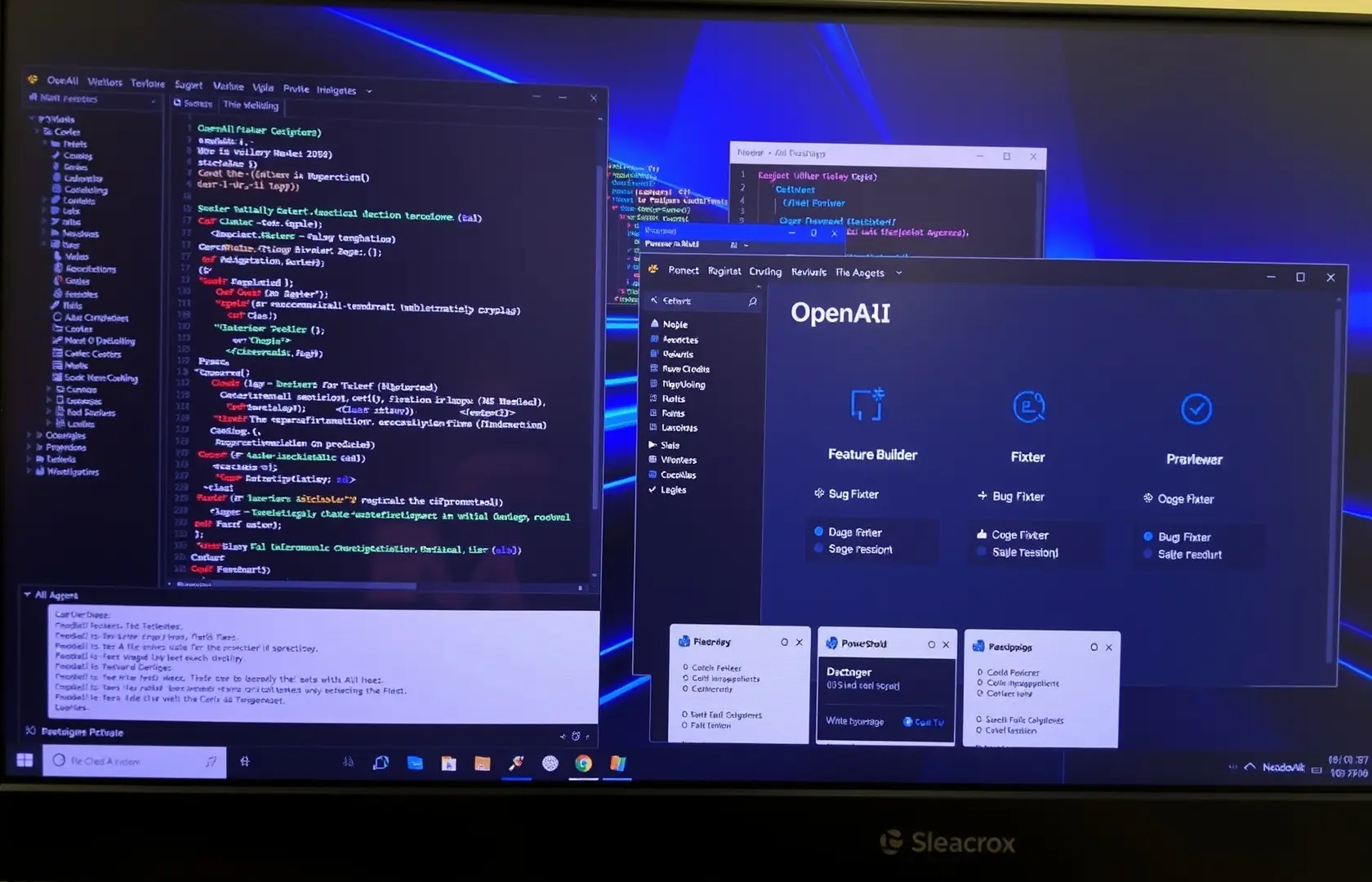
One of the most striking features of the Codex app is its ability to run multiple agents in parallel. In a traditional workflow, a developer might stop writing a new feature to investigate a bug report. With Codex, you can spin up a “Fixer” agent to investigate the bug and propose a pull request in one thread, while a “Feature” agent continues drafting components in another.
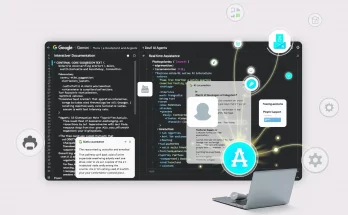
This parallel processing is managed through a “Thread Workspace” interface. Each agent has its own context, memory, and permissions, allowing it to work independently. This reflects a broader trend in the industry where AI agents are revolutionizing documentation and development workflows by handling the “grunt work” that typically stalls human progress.
Native Integration and the Model Context Protocol (MCP)
To be truly effective, a coding agent needs to “see” what the developer sees. OpenAI has achieved this by integrating the Model Context Protocol (MCP) into the Codex app. This allows the agents to connect securely to external data sources and tools—such as Figma, Slack, or Jira—without requiring the user to manually copy and paste information.
For Windows users, this integration extends to the desktop itself. The Codex app can monitor terminal output in real-time, identifying compilation errors as they happen. If a build fails, the agent doesn’t wait for a prompt; it analyzes the stack trace and offers a refined solution immediately. This level of environmental awareness is what separates a native desktop app from a standard IDE plugin.
Secure Local Execution
Privacy remains a top priority for enterprises and independent developers alike. The Codex app addresses this by prioritizing local context processing. While the heavy lifting of reasoning happens via OpenAI’s frontier models, the “index” of your codebase remains local. This hybrid approach ensures that sensitive intellectual property isn’t unnecessarily uploaded to the cloud while still benefiting from the power of OpenAI‘s most advanced reasoning engines.
Why Native Apps Are Replacing IDE Extensions
You might wonder why a standalone app is necessary when tools like GitHub Copilot already exist within VS Code. The answer lies in the “Scope of Action.” An IDE extension is a guest in another program’s house; it is limited by the host’s API and UI constraints. A native Windows app, however, has the following advantages:
- System-Wide Coordination: Codex can orchestrate tasks across your IDE, your browser, and your terminal simultaneously.
- Deep Memory: The app maintains a persistent memory of your architectural decisions and style preferences across different projects.
- Resource Management: By running as a separate process, it avoids slowing down the IDE during heavy computation or large-scale code refactoring.
- Agent Workspace: A dedicated UI allows for visual debugging of the AI’s thought process, making it easier to course-correct an agent that is heading in the wrong direction.
The Future: Vibe Coding and Agentic Engineering
The rise of the Codex app is ushering in the era of “Vibe Coding”—a term coined to describe development where the engineer focuses on high-level intent and “vibes” while the agents handle the implementation details. However, OpenAI is pushing this further into “Agentic Engineering.” This isn’t just about moving fast; it’s about the AI taking responsibility for the reliability of the code.
With the integration of the latest GPT-5.3-Codex models, these agents can now perform “Self-Correction” cycles. If an agent writes a piece of code that passes initial tests but introduces a latency regression, the agentic framework is designed to detect the performance dip and iterate on the solution before the human developer even sees the first draft.
For the Windows ecosystem, this is a major win. As Microsoft continues to bake AI into the core of the operating system, tools like Codex provide the specialized workspace that professional developers need to stay productive in an increasingly automated world.
Conclusion: Setting the Standard for Developer Tools
The OpenAI Codex Desktop App for Windows isn’t just a new tool; it’s a blueprint for the future of work. By bringing autonomous agents to the PC, OpenAI is removing the friction between thought and execution. Developers can now delegate the repetitive, the mundane, and the complex to a fleet of digital agents, freeing themselves to focus on the creative architecture that defines great software.
As we move deeper into 2026, the success of these agentic platforms will depend on how well they integrate into our existing habits. With its deep Windows integration, parallel agent workflows, and robust security protocols, the Codex app is a significant step toward a world where every developer is the manager of their own AI-powered engineering team.